
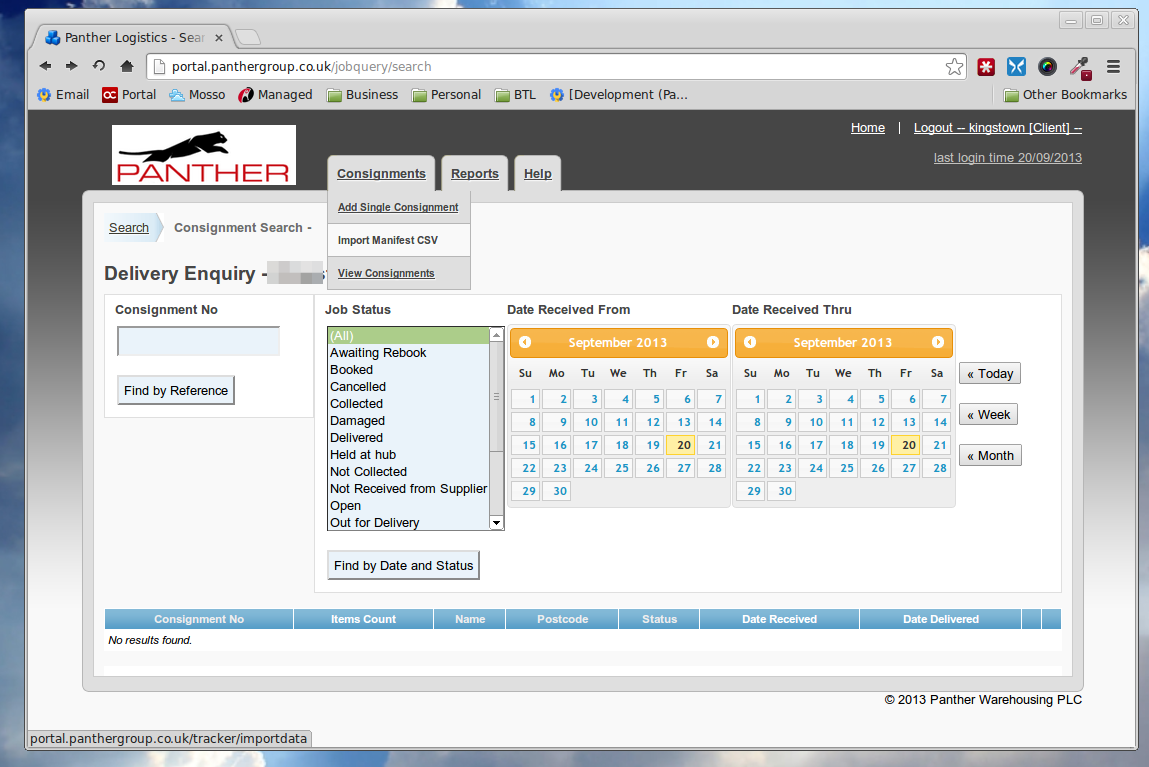
Its easy to test your CSV files once they are created. Ask your account manager to make sure you have the upload csv files option enabled on your tracker account. Then you can simple goto Consignments > Import Manifest CSV once you are logged in to tracker.
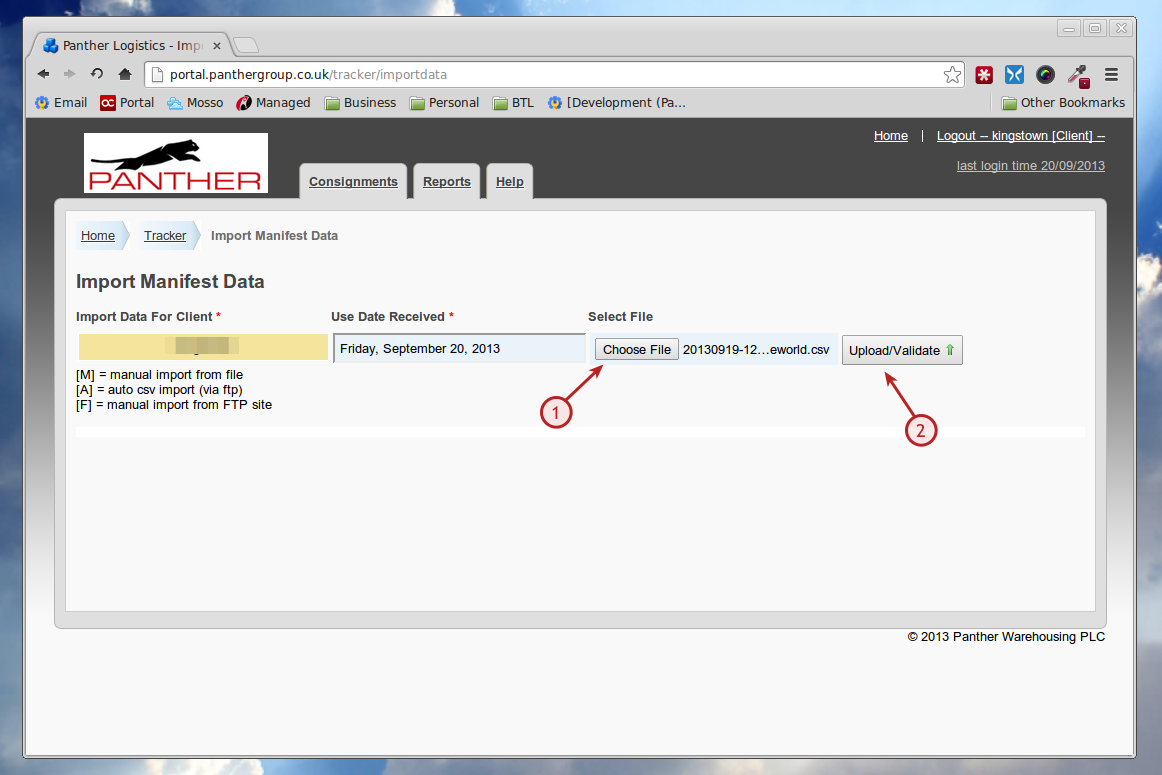
Then browse to your csv file and click UPLOAD/VALIDATE
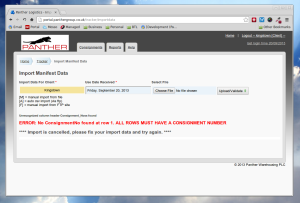
If there is a problem you will see a warning on the next step (in this case ive deliberately spelled the Consignment_No field wrongly). If you have any typos on other columns you will see a message to the effect that the column is unrecognised, simply check the spelling against our EDI article and try again.
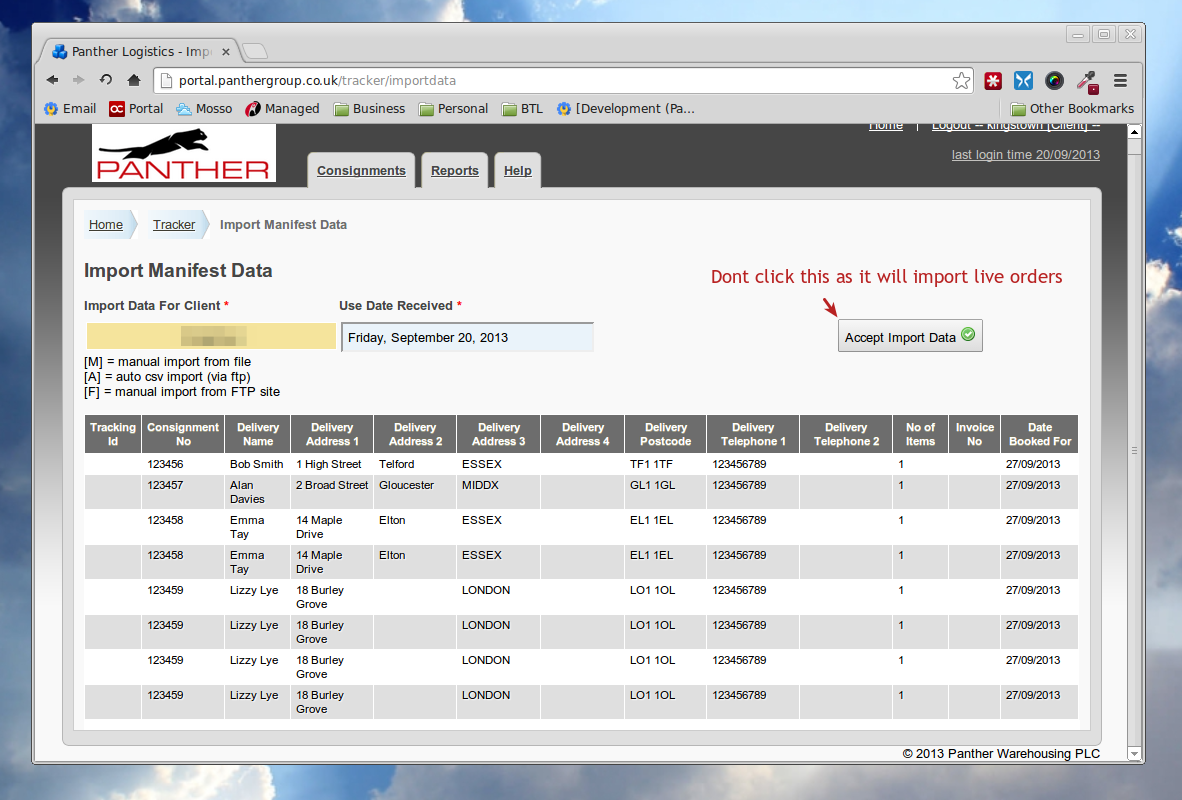
If your file is ok you will see something like the below, do not click ACCEPT/IMPORT DATA button as this will load the orders into the live system, if you see no warnings on this page and the table looks right you are all set.
Related Articles